Intro
A patient watches a 90-second video of a dentist explaining a root canal procedure.
Then they see a 3-minute before/after video of another patient's smile transformation.
Then they see a 15-second TikTok showing a dental tech cleaning an implant.
By the time they book an appointment, they've already decided: they trust this practice.
Video is the highest-conversion content format in dental marketing. It builds trust faster than text, demonstrates expertise in a way photos can't, and increases case acceptance across every treatment category.
But most practices don't use video strategically. They either avoid it ("too expensive, too technical") or create random content with no distribution plan.
This guide walks through the video strategy, production systems, platform optimization, and how to measure what's actually driving appointments.
Video Content Buckets (What to Create)
Bucket 1: Educational/Explainer Videos (YouTube + Website)
Purpose: Build authority, answer common questions, capture search intent
Examples:
- "What is a root canal? (And why you shouldn't be scared)" — 3–5 min
- "How dental implants work: The complete process" — 4–6 min
- "Cosmetic bonding vs. veneers explained" — 5–7 min
- "Why your gums are bleeding: Signs of gum disease" — 2–3 min
- "Sleep apnea and dentistry: What you need to know" — 4–5 min
Format:
- Dentist on screen (talking to camera or voiceover)
- Simple animations or graphics explaining the procedure
- Real operatory footage (with consenting patients if possible)
- Lower production value = okay, consistency > perfection
Distribution:
- YouTube (optimize title/description for keywords like "root canal explanation")
- Website (embed on relevant service pages)
- Email (send to prospects in nurture sequence)
- Social (short clips on TikTok/Reels: "Here's what a root canal actually does")
Expected impact: 10–30 YouTube subscribers per video, 5–15 website visitors from YouTube
Bucket 2: Before/After Videos (Instagram/TikTok/Email)
Purpose: Sell cases, build confidence in your results, create emotional impact
Examples:
- Smile makeover: Veneers transformation (60 sec)
- Implant case: Full arch restoration (90 sec)
- Orthodontics: Bite correction timelapse (45 sec)
- Periodontal: Gum disease to health (60 sec)
- Cosmetic bonding: Quick fix (30 sec)
Format:
- Split screen: Before on left, after on right
- Voiceover explaining the treatment + cost
- Patient testimonial (optional but powerful)
- Upbeat music (licensed royalty-free)
- Text overlay with treatment name + cost
Distribution:
- Instagram Reels (60–90 sec)
- TikTok (30–90 sec)
- Email to warm leads (patients asking about specific treatment)
- Website testimonials page (longer versions, 2–3 min with patient talking)
Expected impact: 5–50K views/month (if promoted), 5–20 appointment requests/month from Reels alone
Bucket 3: Patient Testimonials (Website + Email)
Purpose: Build credibility, show real results, increase conversion
Format:
- Patient on camera (with permission) talking about their experience
- "Why I chose this practice" angle
- "Here's my result" with before/after visual
- 1–2 minutes (short enough to finish)
Key questions to ask on camera:
- "What brought you in?" (establish the problem)
- "What was your biggest concern or hesitation?" (address objections)
- "How did we address that?" (show solution)
- "What's your result?" (show before/after)
- "Would you recommend us?" (social proof)
Distribution:
- Homepage or dedicated testimonials page
- Email nurture (send to prospects with treatment hesitation)
- YouTube (create playlist of testimonials)
- Facebook ads (use testimonials as ad creative)
Expected impact: 3–10 leads from testimonial videos/month
Bucket 4: Team/Culture Videos (Website + LinkedIn)
Purpose: Build personal connection, show practice culture, differentiate from competitors
Examples:
- "Meet our team" (30–60 sec introductions)
- "A day in the life" (show operatory, team interactions, patient care)
- "Why we love dentistry" (cultural/mission piece)
- "Our office tour" (welcome new patients)
Format:
- Casual, authentic (not overly produced)
- Team members speaking to camera
- Real office footage
- Upbeat music, warm lighting
Distribution:
- Website (About Us page)
- LinkedIn (build practice authority)
- First-time patient emails (help patients feel comfortable)
- Google Business Profile (increase local SEO)
Expected impact: Slower conversion, but builds long-term trust + referral quality
Production System (Keep It Simple)
The Sustainable Video Production Workflow
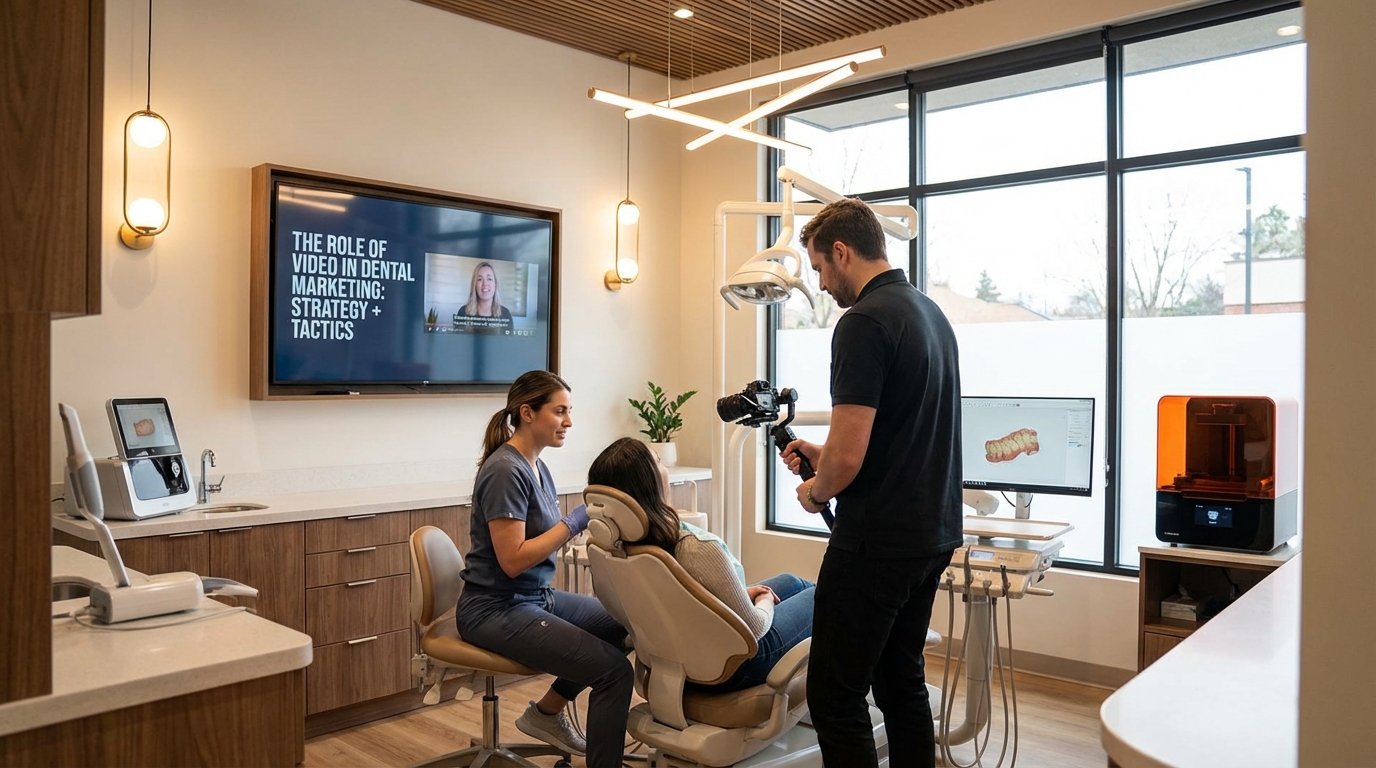
Don't aim for Hollywood. Most successful dental practices use simple, repeatable workflows that average 5–10 videos/month.
Equipment (Budget: $500–$1,500 one-time):
- Smartphone (iPhone 14+ or Android flagship): Most modern phones shoot excellent 4K video
- Tripod ($30–$60): Keeps hands free for explanations
- Lapel microphone ($40–$100): Much better audio than phone mic
- Ring light ($50–$100): Flattering skin tone + even lighting
- Editing software: CapCut (free), DaVinci Resolve (free), Adobe Premiere (paid)
Monthly Production Routine:
Week 1: Plan
- Brainstorm 4–5 video ideas (1 educational, 2 before/afters, 1 team/culture, 1 FAQ)
- Assign dentist/team member to each
- Write 2–3 sentence script for each
Week 2: Shoot
- Record all 5 videos in one 2–3 hour session (batch production)
- 15–20 min per video from setup to finish
- Ask patients for permission (testimonials); have consent forms ready
Week 3: Edit
- Edit videos down to final format (1–2 hours total)
- Add music, text overlays, graphics
- Export in multiple sizes (YouTube, Instagram, TikTok, email)
Week 4: Publish
- Publish 1 video/week (space them out for consistency)
- Optimize titles/descriptions for SEO
- Promote on social media, email, website
Total time investment: 5–6 hours/month = ~10 videos/year = massive content library
The "Quick Video" Hack (30-Minute Videos)
Don't have time for complex production? Use this:
- Dentist talks to camera (5 min): Explains a procedure, answers a question, or shows a before/after
- No script (just natural talking)
- Phone tripod in operatory
- Basic lighting (natural light + ring light)
- Edit to 2–3 min (CapCut, auto-cut pauses)
- Upload to YouTube + Reels the same day
This style ("documentary feel") actually converts better than polished content because it feels authentic.
Video Strategy by Platform
YouTube (Long-Form Authority)
Content: Educational explainers (3–7 min), in-depth case studies, patient testimonials
Optimization:
- Title: "How to Fix a Broken Tooth | [Your City] Dentist"
- Description: 200+ words with keywords, links to website, CTA
- Tags: "dentistry", "dental health", "root canal", "[your city] dentist"
- Thumbnail: Bright, clear, face + text (example: dentist pointing + treatment name)
- Playlist: Group videos by topic (Implants, Cosmetic, Emergency, etc.)
CTA: "Need this treatment? Schedule a consultation at [link]"
Expected: 20–100 views/month per video, 2–5 appointments/month from YouTube viewers
Instagram Reels / TikTok (Viral Entertainment)
Content: Before/after transformations, quick tips, "did you know" facts, team funny moments
Format: 30–60 seconds, VERTICAL video, fast cuts, trending music, text overlays
Optimization:
- Hook in first 2 seconds (before/after reveal, surprising fact)
- Text on screen (captions + keywords)
- Call-to-action in last 3 seconds ("Link in bio to book")
- Trending sounds (increases algorithm distribution)
Posting rhythm: 3–5 Reels/week for traction
Expected: 1K–10K views/reel, 5–20 appointment requests/month
Email (Conversion Machine)
Content: Before/after videos, testimonials, educational explainers (embedded in email)
Strategy:
- Send 1 video/week to warm leads (people who viewed your website, abandoned booking, past patients)
- Personalize: "You asked about implants—here's what the process looks like"
- Video thumbnail in email (clickable) + link below
- Short copy (2–3 sentences) + CTA
Expected: 20–40% open rate, 5–15% click-through, 2–10 appointments/month
Website (Conversion Optimization)
Placement:
- Homepage: 1–2 intro/team videos (builds trust on first visit)
- Service pages: Before/after video for each major service
- Testimonials page: 3–5 patient testimonial videos
- Blog posts: Embedded explanatory video for relevant topics
Expected: Increases time on page 2–3x, increases conversion 25–40%
Q: Should I use professional videography?
A: Not necessary to start. In-house videos create 80% of the impact at 20% of the cost. Use pros for high-stakes content (commercial ads, professional branding videos) after you've proven video ROI.
Q: How do I get patient consent for videos?
A: Simple consent form in your patient intake: "May we use photos/videos of your smile for marketing?" Most will say yes. Honor their privacy; use first name + city only if anonymity preferred.
Q: Which platform should I prioritize?
A: YouTube for long-term SEO + trust building, Instagram Reels for appointment velocity. Do both, but if budget is limited, Reels drive appointments faster.
Q: How do I measure which videos drive appointments?
A: Track: (1) Ask new patients "How did you hear about us?" during booking, (2) Add UTM codes to video links (YouTube, email), (3) Use Google Analytics to see which pages/sources convert, (4) Monitor which videos get most "click to book" from Reels.
Q: Should I do live videos / Q&A sessions?
A: Yes, but lower priority than recorded content. Live videos have lower reach but higher engagement. Do 1 live/month on Instagram/Facebook if you want, but focus 80% on recorded, repurposable content.
Q: What if I'm camera shy?
A: Hire a team member or hygienist to do talking. You show up in parts (performing procedure with voiceover). Authenticity > polish. People connect with real humans, not perfect presenters.
Q: How long should videos be?
A: Educational: 4–6 min (YouTube). Before/after: 60–90 sec (Reels). Testimonial: 2–3 min (website). Explainer: 2–3 min (email). Shorter content gets higher completion rate; longer builds authority. Match platform norms.
"Ready to leverage video for your practice? Let's build a content strategy that converts. Book a free content strategy call to discuss what's possible."
→ https://www.closingmorecases.com/contact-us