Introduction
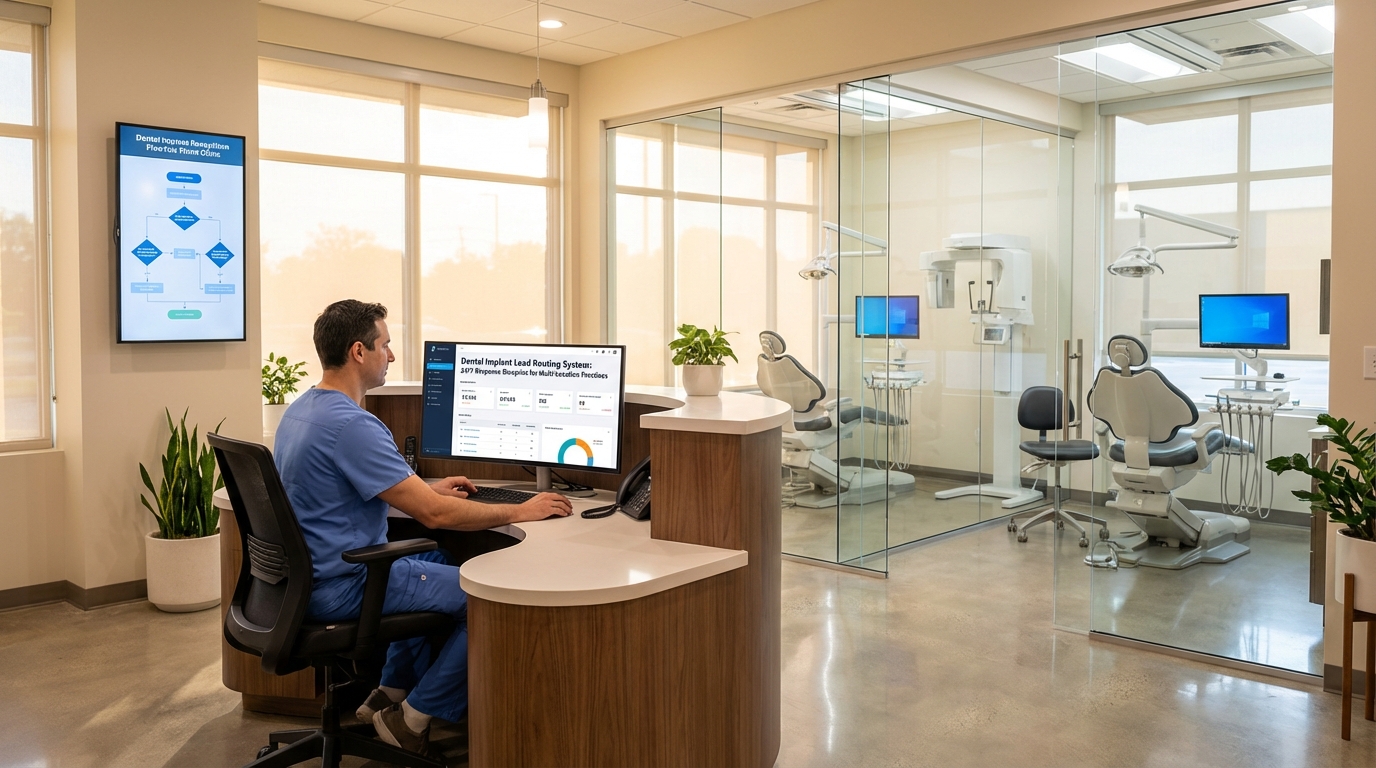
Implant marketing budgets are climbing, but too many Southeast practices still let leads languish in a shared inbox until the next business day. That delay kills trust—especially for patients weighing $25K+ procedures. The clinics we scale treat lead routing like a mission-critical system: every call, form, chat, and quiz submission automatically lands with the coordinator best equipped to close it, no matter the hour. This guide walks through the exact infrastructure we deploy so nothing slips between marketing, operations, and finance again.
See the Dental SEO Services blueprint that feeds this funnel
McKinsey: Healthcare consumers demand immediate response
Map After-Hours Demand Signals Before You Automate
Before wiring automations, we inventory where high-value intent already shows up: Google Business Profile messages, website chat, implant quiz funnels, Meta lead ads, and referral emails from specialists. Once the raw demand is visible, we tag each source with intent tiers (full-arch, single implant, hybrid) and urgency (same-week consult vs. research phase). That audit typically exposes a 20–40% "dark demand" bucket—leads your team never acknowledged because they arrived outside 9–5.
We log every channel into a mission-control board so marketing, call center, and treatment coordinators see the same queue. Practices in Atlanta, Charlotte, and Orlando report immediate morale boosts once they realize the pipeline is larger than it looked. The goal is to build the routing logic around reality, not assumptions.
Pair this mapping exercise with our Dental Implant Consultation Conversion Rate guide
Google Business Profile Messaging documentation
Build the Always-On Capture Layer (Chat, IVR, and AI Assistants)
With the intent map in hand, we stack capture tools that keep answering when humans sleep. That typically includes:
- AI chat concierge on landing page platform landing pages. We deploy scripted flows that qualify financing readiness, location preference, and timeline before a live agent joins. Responses sync directly into the CRM so no copy/paste is required.
- Smart IVR with language routing. Callers choose implants, cosmetic, or emergency, and the IVR automatically rings the on-call closer or bilingual answering service tied to that service line.
- Meta + YouTube lead form webhooks. Every form fires into GoHighLevel, Slack, and SMS simultaneously, triggering a "We received your request—here’s the next step" text within 30 seconds.
Every capture asset is branded to the specific location—no generic chatbot avatars or stock IVR voices—so patients feel like they're interacting with the practice they researched. We also log disclosures about recording, HIPAA-safe data handling, and financing disclaimers inside the chat or IVR flow so compliance officers stay comfortable.
Because every capture point timestamps the interaction, we can prove to owners how many leads would have been ghosted without automation. The 24/7 layer creates the trust moment you need before asking for a $100 deposit.
Reference our Google Ads for Dentists Guide for the ad-side inputs
Twilio Studio IVR best practices
Route, Score, and Nurture Leads Inside the CRM
Capture is meaningless unless the CRM enforces next steps. We configure pipelines in GoHighLevel, HubSpot, or Salesforce Health Cloud with four essentials:
- Intent-based lanes. Full-arch, single implant, hybrid, and “needs financing” each get their own stage with SLA timers.
- Ownership rules. Every lead auto-assigns to a named closer or external call team, with escalation if nobody responds in five minutes.
- Scoring + drip logic. Financing-ready, credit-challenged, and second-opinion seekers get unique nurture paths backed by SMS, email, and voicemail drops.
- Pre-consult prep. Once a patient books, automations push directions, medical history links, and financing docs, reducing no-shows and shortening chair time.
We also layer in conditional sequences. If a patient selects “needs spouse present,” the CRM automatically offers evening consult slots and reminds the call team to mention virtual planning sessions. If credit repair is required, the nurture track swaps testimonials and adds a checklist explaining how to secure financing before their appointment. These micro-adjustments protect your marketing dollars because every follow-up feels personalized.
Coordinators love this setup because it removes manual sorting and shows exactly what to do next. Owners love it because the dashboard finally explains why last week’s ads produced $68K in projected treatment.
See how we finance implant cases end-to-end
HubSpot SLA workflow tutorial
Measure Speed-to-Lead and Revenue, Then Optimize Capacity
You can’t scale what you don’t measure. Every Monday we review:
- Speed-to-lead by channel. Anything over 120 seconds gets flagged for script or staffing updates.
- Consult show + acceptance rate. We track per location, per provider so bonuses align with real outcomes.
- Projected collections vs. chair hours. When a satellite office is at 130% load, we either pause spend or open additional consult blocks.
We mirror the same metrics inside a weekly leadership agenda so owners, associates, and call leads commit to the same experiments. If the dashboard shows Tampa lagging in show rate, the ops lead already has an action item—review reminder scripts, audit financing objections, and free up IV sedation blocks before the next sprint.
Those metrics flow into a live Notion + Looker Studio command center. Because finance, ops, and marketing all see the same truth, it’s easy to greenlight new media tests or slow down a market before the team burns out.
Book a free website and funnel audit to see the dashboard live
Looker Studio real-time dashboard guide
How fast can this lead routing system be deployed?
Most practices stand up the full stack in 3–4 weeks. Capture tools go live in week one, CRM automation in week two, and reporting + optimization in week three.
Does this replace our front desk or call center?
No—the system augments them. Humans still handle nuanced conversations, but automation ensures they only work the right opportunities.
What if we don’t have GoHighLevel or HubSpot?
We can deploy the same logic with Zapier + Airtable or Salesforce Health Cloud. The critical piece is owning the SLA timers and notifications.
How much does 24/7 answering cost?
Expect $1–2 per minute for premium dental-trained reps. The ROI pencils out when a single saved full-arch covers the entire year.
Can this integrate with our PMS?
Yes. We regularly sync Dentrix, Eaglesoft, Open Dental, and Cloud 9 data to keep treatment acceptance notes flowing back into marketing reports.
Will patients mind AI chat or IVR?
Not when the scripts are empathetic and resolutions are fast. Most prospects prefer instant clarity over waiting for voicemail.
Ready to stop leaking implant revenue after hours? Book a free strategy call and we’ll audit your current routing, quantify the opportunity, and map your first 30-day deployment plan.