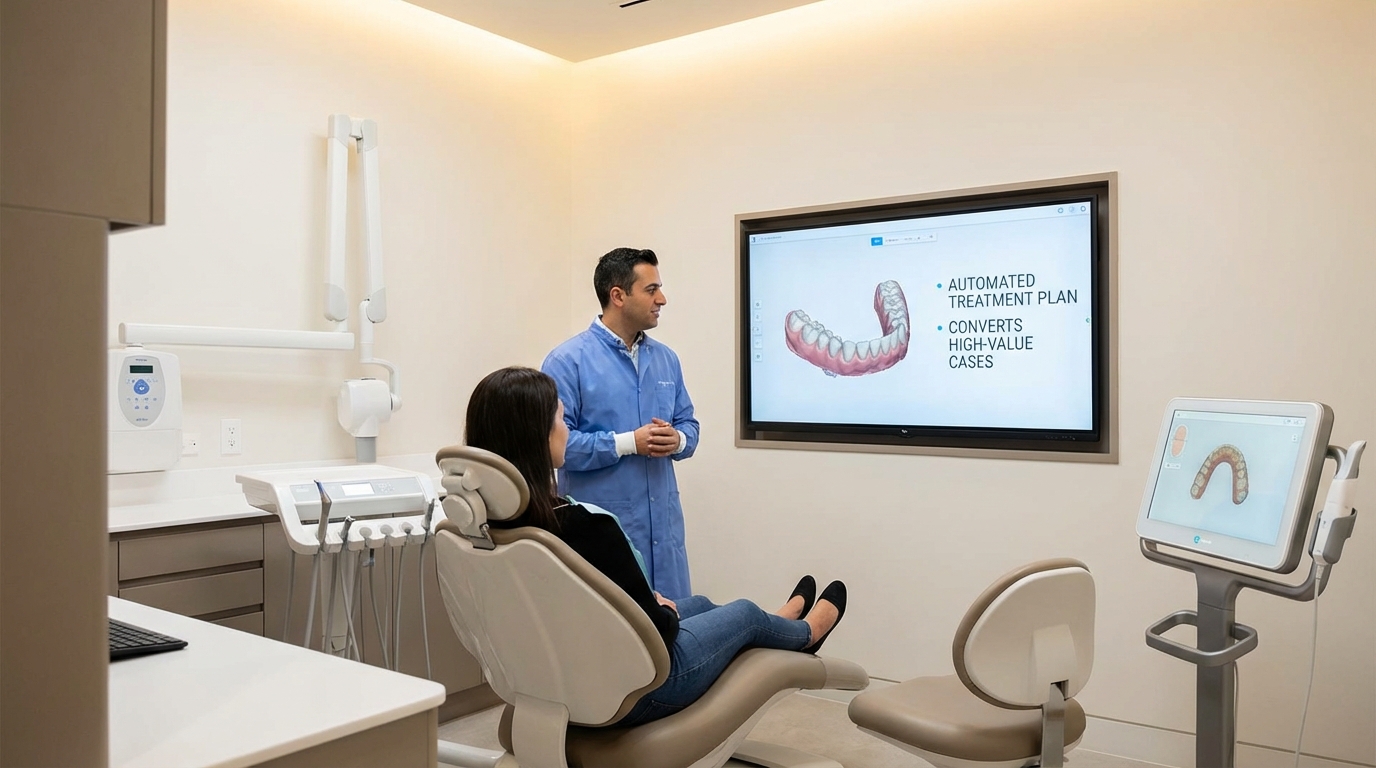
High-value dental treatments are bought, not sold. You can sprint through consults, deliver a confident treatment recommendation, and still lose patients because the decision moment lands on a weekend when nobody answers the phone. Most implant, cosmetic, and full-mouth reconstruction consults sit in limbo for 10–30 days while patients wrestle with the price, the timeline, and what it will actually feel like to walk around without a tooth.
Time equals doubt. Doubt equals price objections, comparison shopping, and eventually ghosting. The best way to keep patients moving toward “yes” is to continue the consult education outside the office—automatically, consistently, and with predictable touches that reinforce the value you already delivered.
This guide shows dental practices how to translate their consult room conversation into a multi-channel education automation program. It covers the framing, the content, the technology, and the measurement needed to boost acceptance rates without hiring another coordinator.
Why education trumps follow-up calls for high-value cases
Patients buy confidence, not pressure
A dental consult is a trust transaction. When a patient is told they need $12K–$30K worth of implants, orthodontics, or a full-arch reconstruction, they want clarity, not a hard push. According to the American Dental Association Health Policy Institute, cost concerns and lack of understanding are the top two reasons patients delay treatment. ADA HPI research shows that patients who feel informed about the procedure, timeline, and financing are far more likely to show up and say yes.
That means the takeaway from a consult isn’t “call you tomorrow.” It should be “I understand what it will feel like, how much it will cost, and why this is worth doing today.” Another study from Dental Economics found that treatment acceptance spikes when the patient recalls three specific benefits, not three generic features. When a patient can answer the question “What problem does this fix?” with a confident sentence, the objection disappears.
So instead of relying on another phone call, build the education into your tech stack. Every touchpoint—email, text, SMS, dashboard, post-consult landing page—should remind the patient of the three things that matter:
- What the problem is and how you solve it. (Outcome-focused, visual language.)
- Why your practice is the best partner for this work. (Social proof, credentials, before/after evidence.)
- What the next step is and how they can take it. (Clear CTA with scheduling link.)
When those three messages flow automatically, you can keep 70–80% of consults engaged even if the front desk is booked solid.
Design an education sequence that mirrors the consult experience
Map the consult agenda into automation
Start by reverse-engineering your consult. What hummingbird-sized details do you cover? How do you show the case, the smile design, the financing, and the timeline? Write that conversation down as four or five micro-topics, and build a content asset for each: a short explainer video, a PDF guide, a text-based recap, a pre-recorded patient testimonial.
A sample sequence:
- Immediate thank-you + recap (sent within 15 minutes of the consult): Quick recap of what was discussed, a link to the treatment plan PDF, and the scheduling link for the next step.
- Education touch (Day 1 or 2): A 2-minute explainer video where the doctor walks through the treatment plan, treatment phases, and why the timeline matters.
- Financing clarity module (Day 3): A short table or video showing payment options, financing partners, and how monthly investments compare to skipping treatment.
- Proof touch (Day 5): A patient testimonial video or before/after gallery relevant to the same service line.
- Next action reminder (Day 7): A concise SMS or email that links directly to your calendar widget with pre-populated service selection.
Each touch should live in your CRM or automation platform. Use Zapier, Make, or native automation to trigger the sequence from a consult tag on the patient record. If you use the same sequence for implant consults, cosmetic cases, and sleep apnea consults, the automation becomes scalable. The goal is to mimic the feeling of being inside the consult room without needing another meeting.
Balance media types: video for emotional proof, PDF for consult details, SMS for immediacy, and email for lengthier explanations. A single automation that contains four to six assets ensures patients with different learning styles stay engaged.
Calendly or your preferred scheduler should live in every email and SMS. When a patient can click “Pick a time” instead of calling the office, you remove the friction that leads to lost cases.
Pair financing clarity and social proof into every automation layer
Turn price resistance into shared planning
High-value dentistry lives in the finance conversation. But finance is not a fight between you and the patient; it’s a planning conversation you walk through together. That’s why every education touch has two parts: outcomes (what the patient gets) and logistics (how they pay for it).
Use a mini “finance vs. skipping treatment” calculator inside your email or landing page. Show the monthly investment side-by-side with the cost of delaying treatment (wear on surrounding teeth, emergency appointments, lost confidence). This is the same framework in our High Value Treatment Plan Automation Playbook, where we layer financing clarity, guaranties, and payment options so the patient feels in control.
Add social proof early and often. Insert a testimonial block with a before/after hero image and a quote. Link to your portfolio gallery or the service pillar page that backs up the claim—something like [High-value treatment plan automation](https://www.closingmorecases.com/high-value-treatment-plan-automation-playbook) or [David’s implant story](https://www.closingmorecases.com/dental-implant-case-acceptance-psychology) depending on the treatment.
Make text shorter than a paragraph in SMS. For emails, use bullets to highlight outcomes and financing options. Each CTA should bring them back to a scheduling link, ideally with a calendar that knows the case type. Use urgency sparingly—focus instead on the pain of delay and the confidence of taking consistent steps forward.
While these touches run in automation, the front desk and treatment coordinator can see real-time engagement. Most CRMs allow you to surface “video watched” or “link clicked” flags. Use that data to prioritize outreach: a patient who watched the financing video twice and clicked the testimonial gallery is ready for a personal call.
Measure, delegate, and keep the system humming without adding staff
Scorecards, handoffs, and team-ready automation
Automation only works when the team trusts it. Train the coordinator to treat the sequence as an extension of the consult. That means documenting the assets, the cadence, and the expected handoff inside your SOPs. Use a single view board (Trello, Monday.com, Notion) that tracks every consult, what automation sequence was triggered, and the current status.
Create simple metrics to watch: consult-to-automation conversion, asset engagement rates, and final treatment acceptance. A weekly report might look like this:
- Consults triggered automation: 18
- Education sequence completed (all touches sent): 17
- Videos watched twice or more: 9
- Scheduling link clicked: 14
- Treatment accepted within 30 days: 11 (61%)
Scorecards like these keep leadership aligned and give the team a way to see the automation lift. When numbers slip, investigate: is the first touch delayed? Are patients ignoring a specific video? Tweak the copy until engagement increases.
Once the system works, delegate the creation and maintenance of assets to a single team member or a freelance project manager. Have them refresh testimonials quarterly, update financing options as partners change, and add new FAQs to the landing page. Automation is only as good as your latest upgrade.
Lastly, keep your consult workflow in sync with your marketing channels. When a patient clicks through from your [Dental marketing agency Atlanta](https://www.closingmorecases.com/dental-marketing-agency-atlanta) case study or from a LinkedIn post, your CRM should still trigger the same education sequence once they book the consult. Consistency equals credibility—and credibility leads to more high-value cases closed.
Summary & Next Steps
Book a strategy session, map your consult to automation, and keep the conversation alive even when the front desk is slammed. The next steps:
- Reverse-engineer your consult and document the five micro-topics.
- Build the sequence into your CRM (mail, SMS, landing page, scheduler) with the consult tag as the trigger.
- Measure engagement, refresh assets quarterly, and keep your team aligned with a simple scoreboard.
- Embed the CTA in every touch: Book a free strategy call at https://www.closingmorecases.com/contact-us. When the system runs, patients feel informed, engaged, and ready to say yes.
Q: How quickly can my practice launch this automation?
A: You can map the consult, create the first video and PDF, and set up the automation inside a week. Use existing content—record short clips on your phone, export the treatment plan PDF, and send the sequence through your current CRM. There’s no need for extra tech beyond what you already have.
Q: What if patients still want to talk to someone?
A: Automation doesn’t replace human touch—it primes it. Track who clicks the scheduling link or watches the financing video twice, then tap the coordinator to call them. These patients are already warming up; your call now closes the deal instead of starting it.
Q: Which channels should I use for the education touches?
A: Use email for longer explainer content, SMS for reminders, and landing pages for formatted content with CTAs. Add a short video link in each email and keep the SMS under 160 characters. You can also use voice drops or Ringless voicemail if that’s part of your current workflow.
Q: How do I keep the automation fresh?
A: Update the testimonials, financing partners, and FAQs every quarter. Rotate new case studies into the proof touch, and add a “What’s new” note whenever you make a significant upgrade to your office or technology.
Q: Is this only for implant cases?
A: No. Use the same structure for cosmetic dentistry, orthodontics, oral surgery, and even high-margin hygiene packages. The sequence just swaps in service-specific language and proof assets.
Q: Can automation help my marketing team?
A: Absolutely. When marketing runs paid ads or SEO campaigns, send leads into the same education stream once they book a consult. The automation becomes your closing engine and keeps your marketing ROI high.